

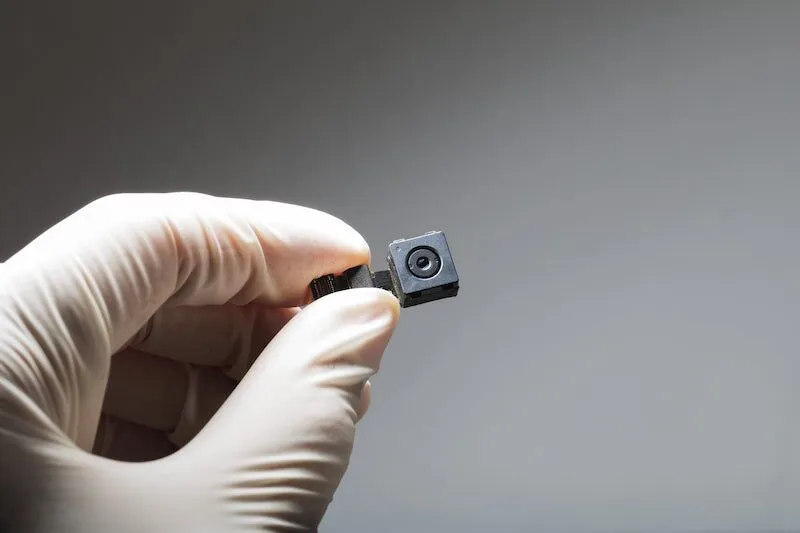
When you are searching for cameras in a device that’s supposed to be a motion sensor, you are looking for any signs of probable doubts. This means that if you have even a bit of doubt that there could be a camera inside and it may threaten your privacy, then you should call an expert.
With that being said, below are the most common ways people identify cameras inside motion sensor devices.
1. Visually Inspecting the Motion Sensor
Look for any black holes, glossy surfaces, or lens openings that could indicate a camera. Examine the front-facing power indicator slot, logos, and fake screw holes, as these are common hiding places for lenses.
If the device is entirely white, it’s more likely to be a standard motion sensor without a camera.
2. Use Your Phone’s Camera
Use your phone’s front-facing camera to examine the motion sensor for hidden lenses. Some phone cameras can detect infrared light, which might reveal a hidden camera’s night vision feature.
3. Unscrew the Motion Sensor
If the methods above don’t give you a satisfying answer, it’s time to get your hands busy.
Carefully unscrew the motion sensor from the ceiling or wall. Inspect the interior for any wires, circuit boards, or unusual components that might indicate a hidden camera.
4. Listen for Buzzing Sounds
Listen carefully for a faint buzzing noise coming from the motion sensor. Some hidden cameras equipped with motion sensors emit a subtle hum when active. Move around the room to pinpoint the source of any unusual sounds.
5. Turn Off the Lights and Use a Flashlight
In a darkened room, use a flashlight to carefully inspect the motion sensor for any tiny, blinking red or green lights. These could be indicators of a hidden camera.
If you discover any suspicious components, wires, lenses, or lights after following these steps, there’s a strong possibility that the motion sensor contains a hidden camera. For your privacy, it’s advisable to have a professional inspect the device or remove it entirely.
Comments are closed