Existing MxMC users can continue to use MxMC, and organizations can continue operating MxMC as a video wall and a backup solution for as long as they want.

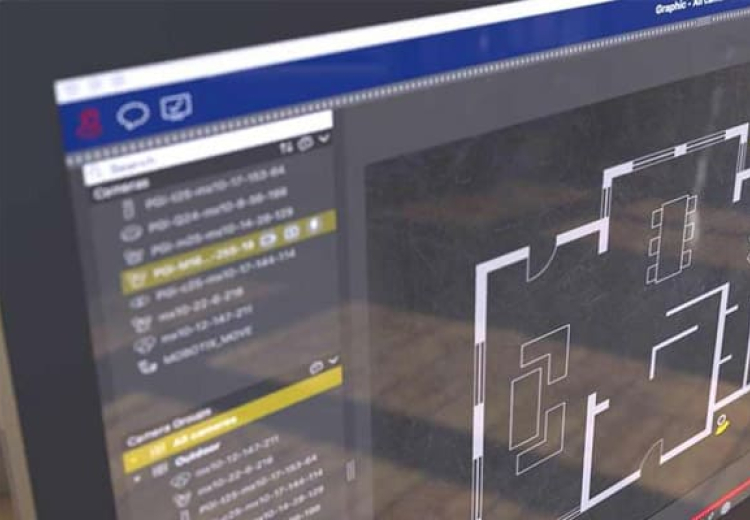
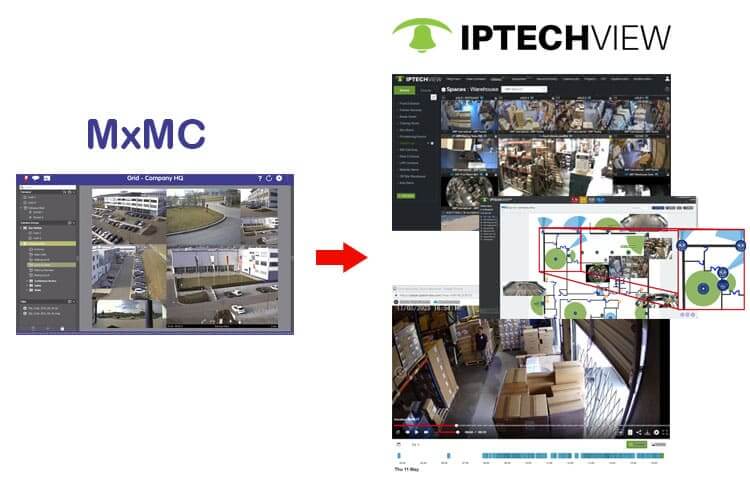
Make your customers dream come true by offering IPTECHVIEW as an upgrade to MxMC. You will provide them with a new platform that gives them secure remote access to their entire cameras system. (The best it can even coexist with MxMC or simply become an upgrade replacement over time.)
The latest release of IPTECHVIEW provides MOBOTIX users with everything they need in a easy-to-install and simple-to-use solution.
IPTECHVIEW can be installed at any MxMC site within minutes by running the IPTECHVIEW “Provisioning Tool” at the camera site. It finds all your MOBOTIX cameras, loads the access parameters, VPN keys, and codes for each camera, and configures the cameras to connect to iptechview.com securely.
It’s also super fast to add users. Just load their emails, and once added, all users can use single sign-on with their corporate email and password to log in.
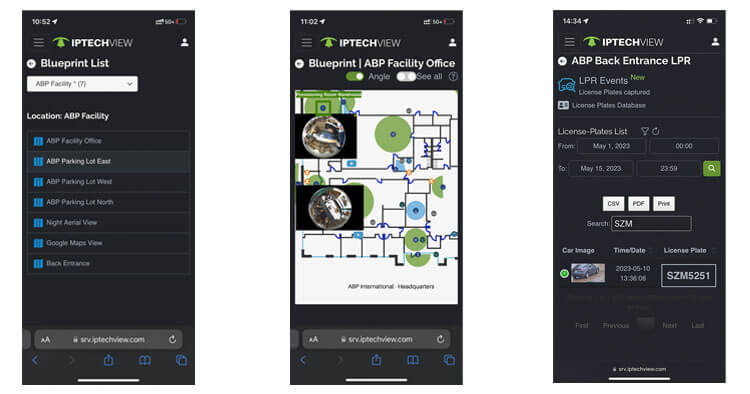
Users can access IPTECHVIEW with smartphones, tablets, laptops, or high-end multi-screen workstations. The application adapts to their device and their needs. The user interface always maintaining the same fundamental order and menu structure to make it easy to remember where things are. The platform is powerful yet keeps things simple for the users. Best, all MOBOTIX special features are natively supported: (See example at the end of the blog. we will showing this can even be accessed on a smartphone.)
IPTECHVIEW can support their local NAS but it can also be used as a backup or a replacement to local NAS.
Most people today are considering to phase out NAS systems if they have enough bandwidth.
This is a short list of all the features your users will get:
- Live and recorded viewing of events, from SD card and NAS
- Cloud storage options to eliminate hardware, maintenance cost, and risks of NAS storage
- Two-way audio for door stations, listening, and talk down to cameras
- Personalized alerts for activity sensors to video motion windows
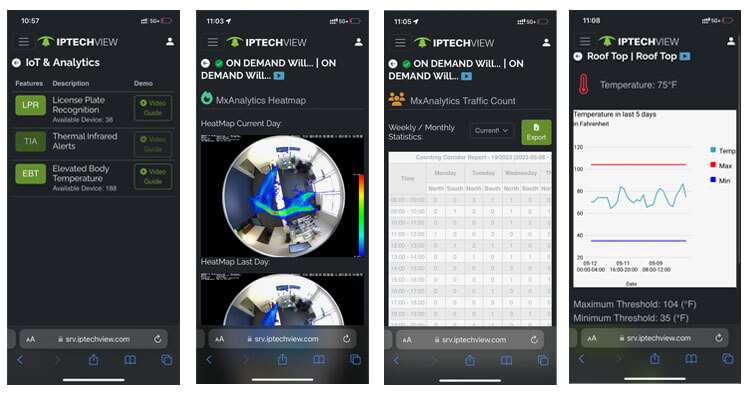
- Visual heatmap views. Customers have always liked these, but in practice, never were able to see them by themselves
- People counting stats are now available to view on the phone for each camera
- Personalized temperature alerts by email or SMS by the camera can be set by any user
- Custom buttons on MOBOTIX cameras are available on the phone app and computer
- Customizable layouts can easily be organized and structured by admin users themselves
- Blueprint, floor plan, and aerial views are available and show live video when hovering or touching any camera
- IPTECHVIEW also manages and monitors the health of all your cameras at all your sites and can do mass configuration changes, audits, and remote firmware updates
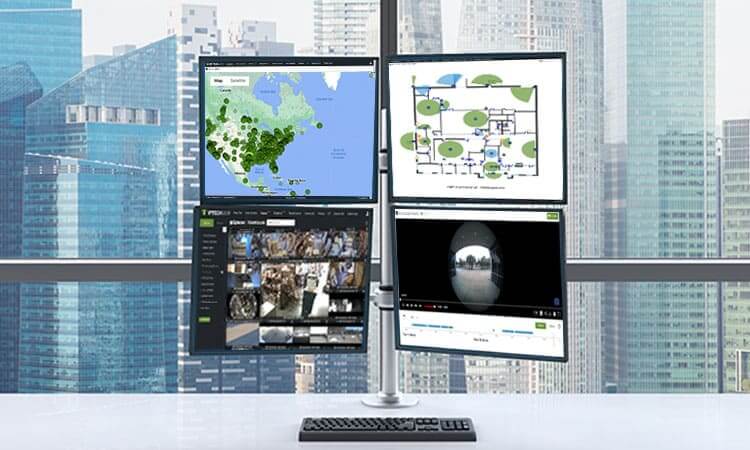
From Laptop to Professional Multiscreen at Work:
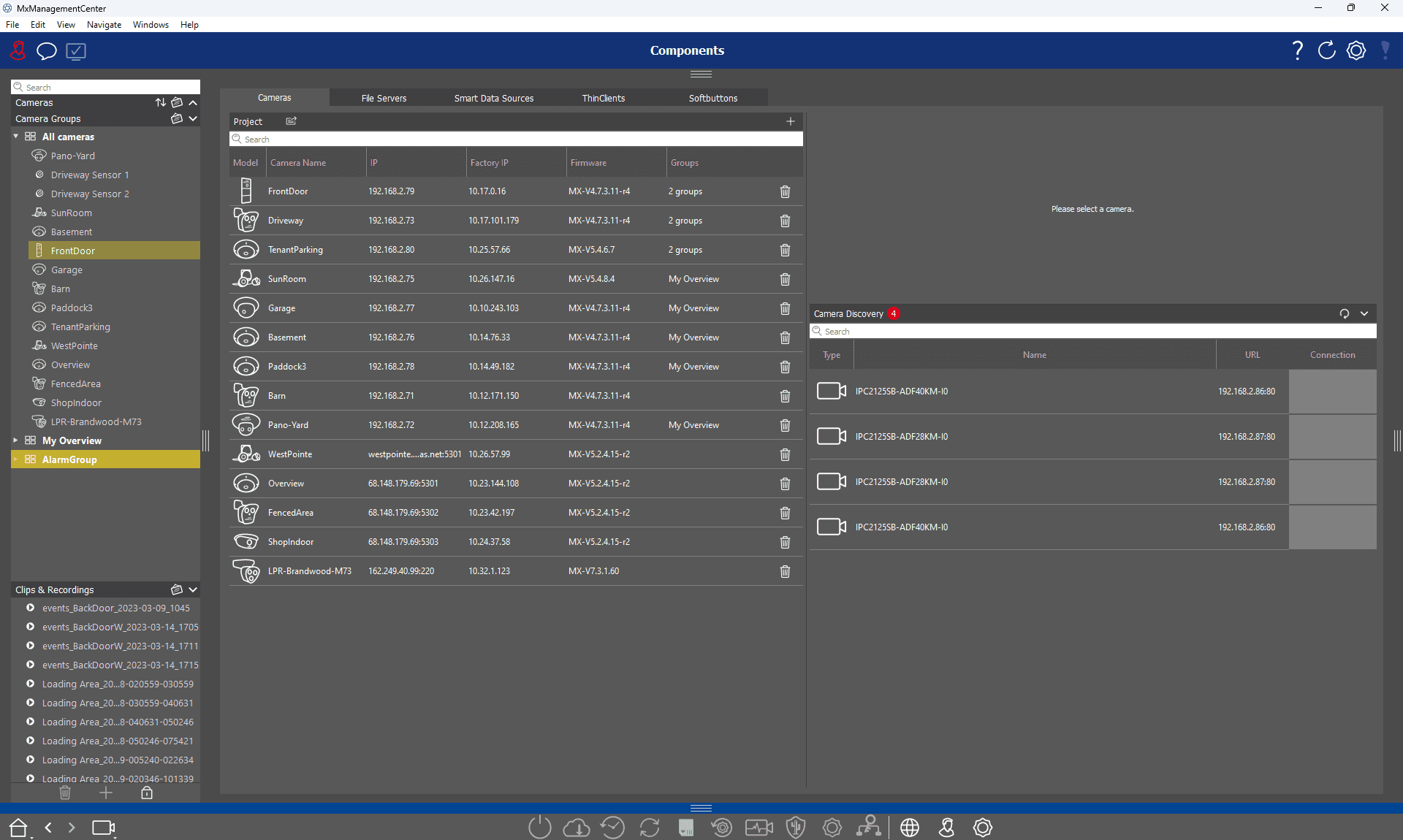
Instead of the MOBOTIX MxMC that mixes management functions and user functions and therefore is hard to learn IPTECHVIEW has two separate logins and entry points. IPTECHVIEW SYSTEMhttps://www.iptechview.com/iptechview-surveillance-1 to Manage and IPTECHVIEW SURVEILLANCE for the USERS.
Users have an easy menu and can navigate to all areas or drag and drop these areas onto separate windows or monitors and create their own workspace the way it works for them.
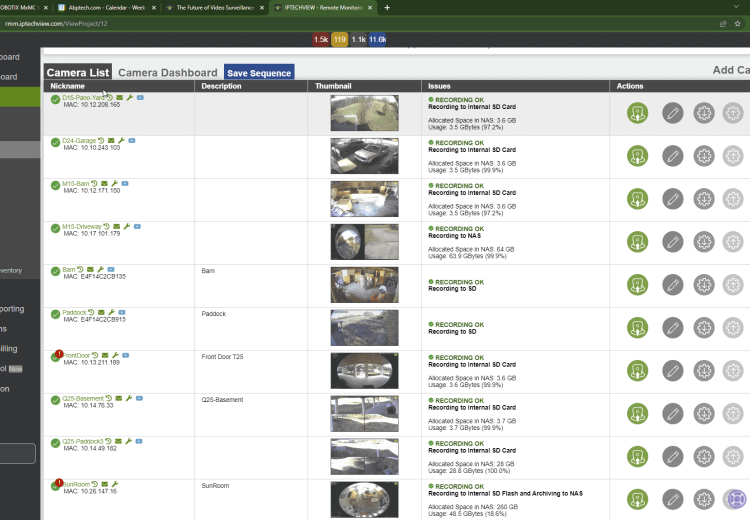
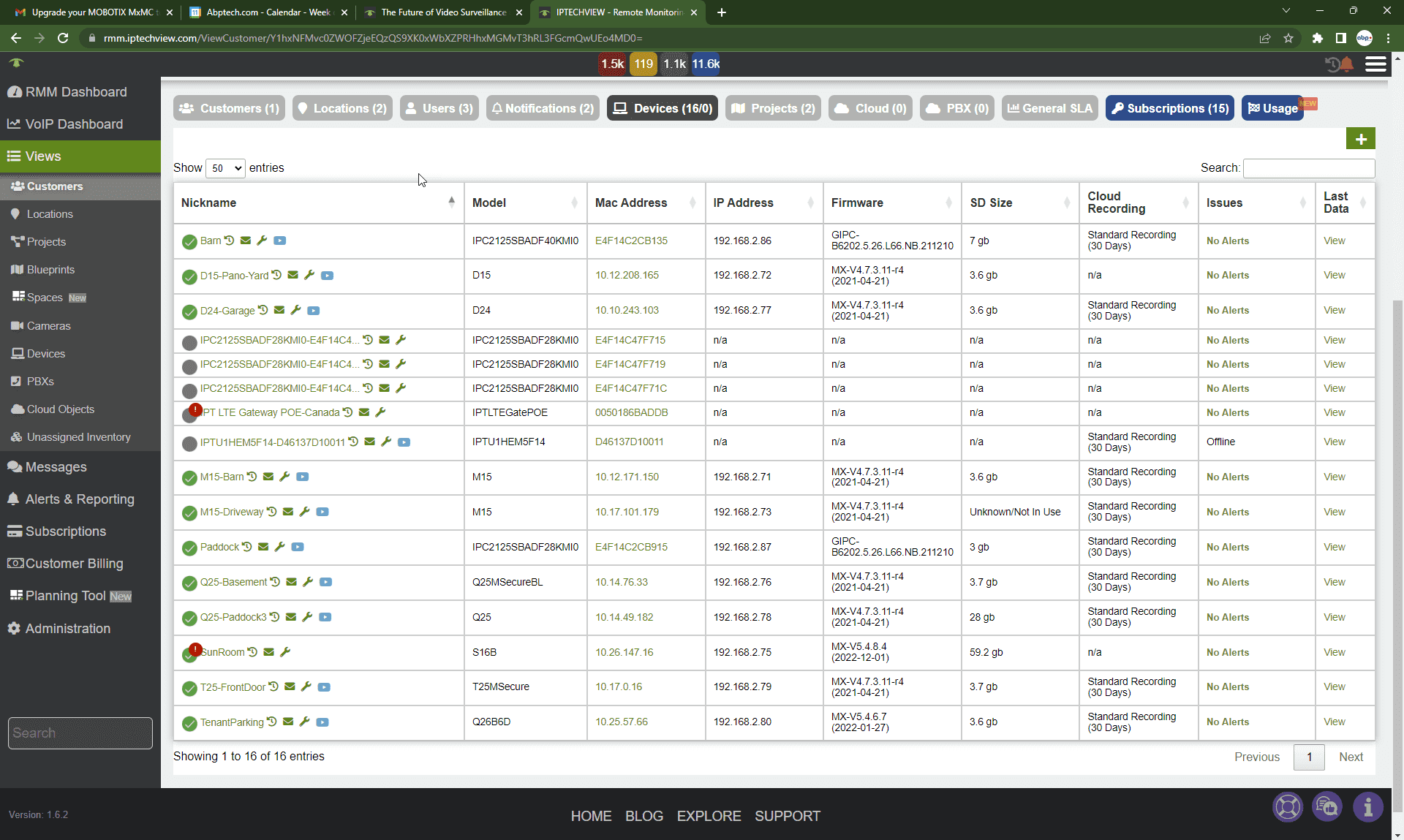
IPTECHVIEW when using its secure remote management platform allows users IT department or its trusted technology partner to securely and remotely manage the cameras, update firmware, make configuration changes, update AI settings and configurations and much more.
Mobile Customers Can Choose Their Device:
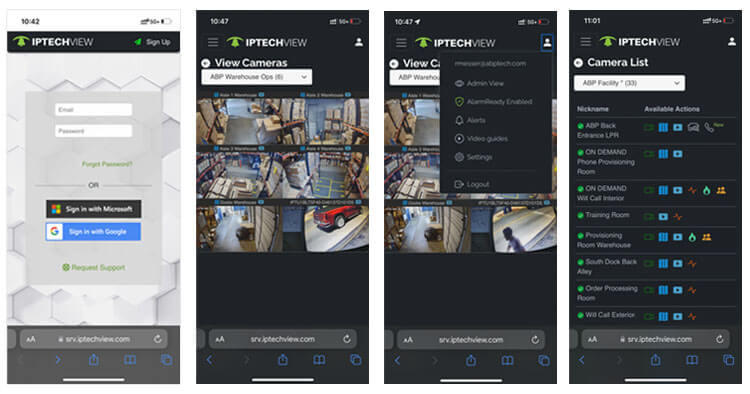
IPTECHVIEW enables even special camera features to be available not only on the desktop version but also attempts to render most data and specialty camera features like heat maps or people counting, even on smartphones—phones, pads, and Chromebooks, they all work.
See some featured examples of how IPTECHVIEW makes video data available from anywhere at anytime:
Comments are closed